
GTA 6 Download Size: PS5 and Xbox Storage Guide
Rockstar Games Support states that the GTA 6 download size and install requires up to 212 GB of available space on PS5 and Xbox Series X|S. This guide compiles primary Rockstar, PlayStation, and Xbox storage instructions, explains why boxed copies still download in full, and separates news reports on update 1.002.000 from official figures.
On this pageJump to section
What is the GTA 6 download size on PS5 and Xbox?
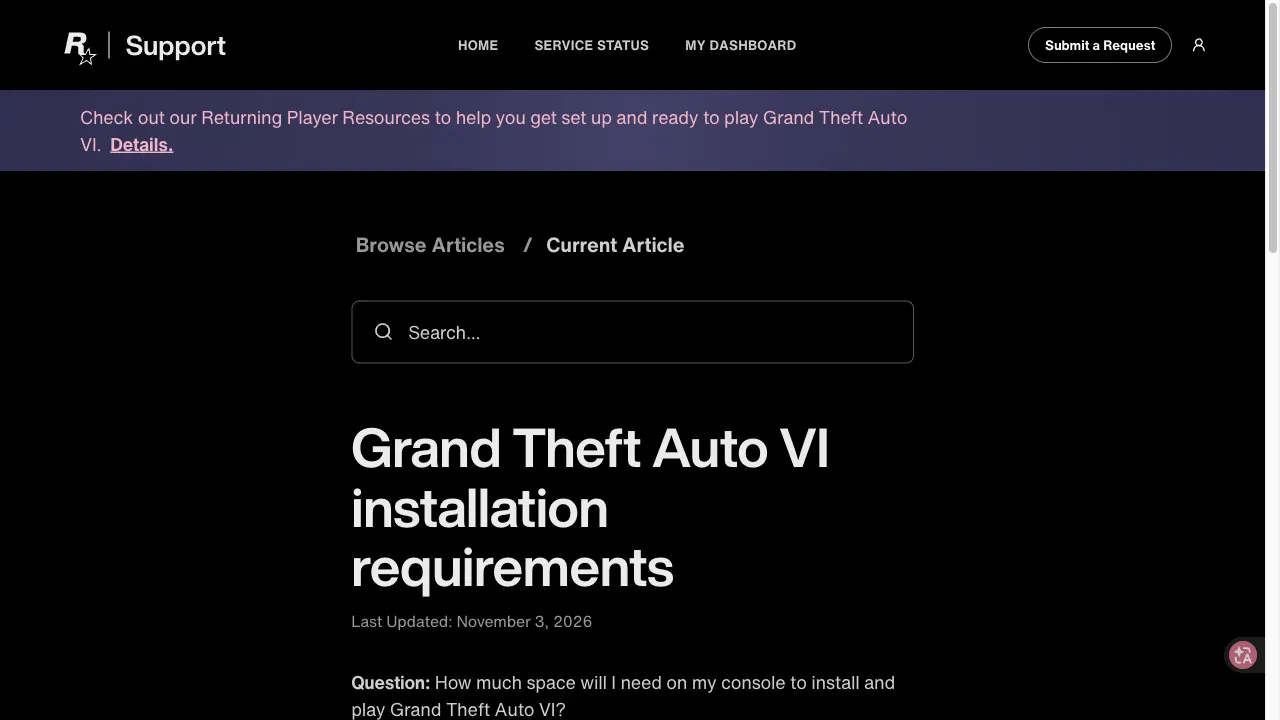
Rockstar Games Customer Support states that the GTA 6 download size and installation requirement is up to 212 GB of available space depending on your device. PlayStation Blog separately advises PlayStation 5 players to clear a minimum of 212 GB of storage space ahead of launch.
With Grand Theft Auto VI unlocking region by region at midnight local time on November 19, 2026 (New Zealand unlocked first at 11:00 UTC on November 18 while later regions unlock at local midnight), clearing space now avoids launch-hour delays. This site is an independent fan guide: it is not affiliated with, endorsed by, or sponsored by Rockstar Games or Take-Two Interactive, uses no official logos or images, and sells no codes.
PS5 vs. Xbox Series X|S official figures
PlayStation 5 storage rules
- Required space: Rockstar's Pre-Load FAQ and installation requirements pages list up to 212 GB, and PlayStation Blog (November 3, 2026) specifies clearing a minimum of 212 GB on PS5.
- Playable storage: PlayStation Support requires PS5 games to sit on internal console storage or an M.2 SSD to play; USB extended storage cannot run PS5 games directly.
Xbox storage & SSD rules
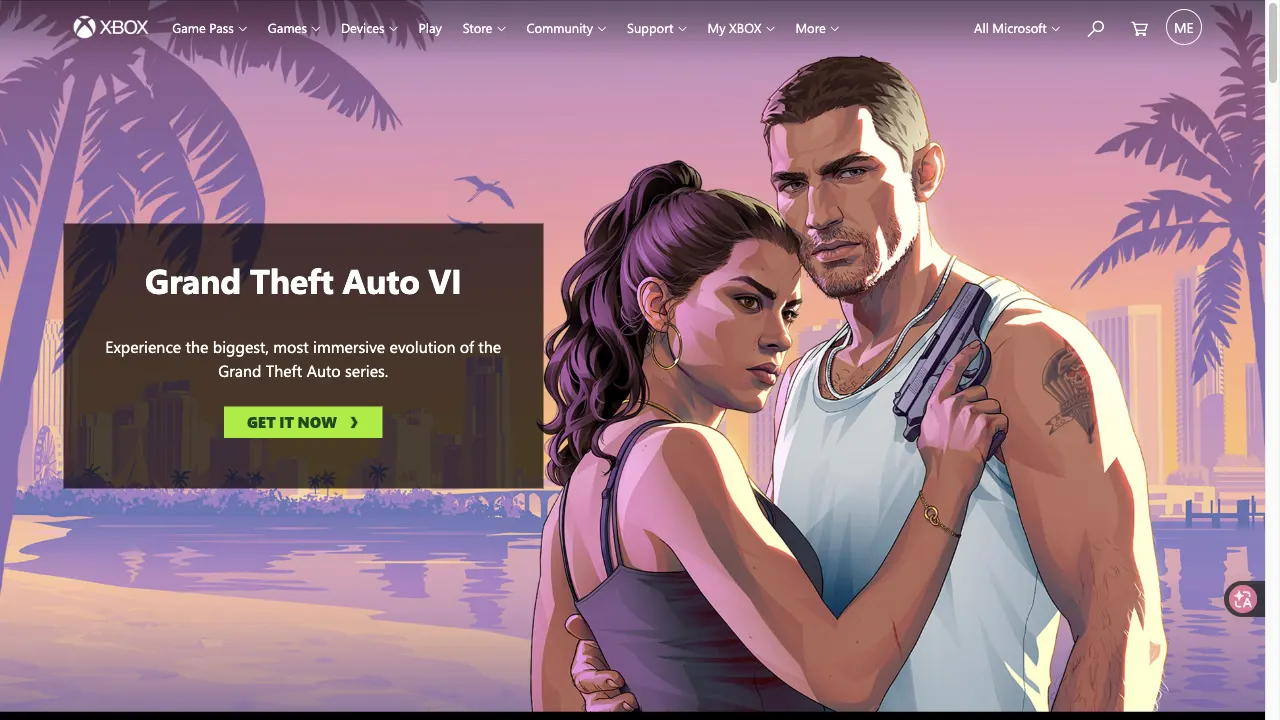
- Required space: Rockstar Support applies the same "up to 212 GB of available space depending on your device" rule to Xbox Series X|S. Microsoft's public GTA VI page does not print a separate file size, and Xbox Support notes internal 500 GB, 1 TB, or 2 TB drives reserve part of their capacity for console software and saved data.
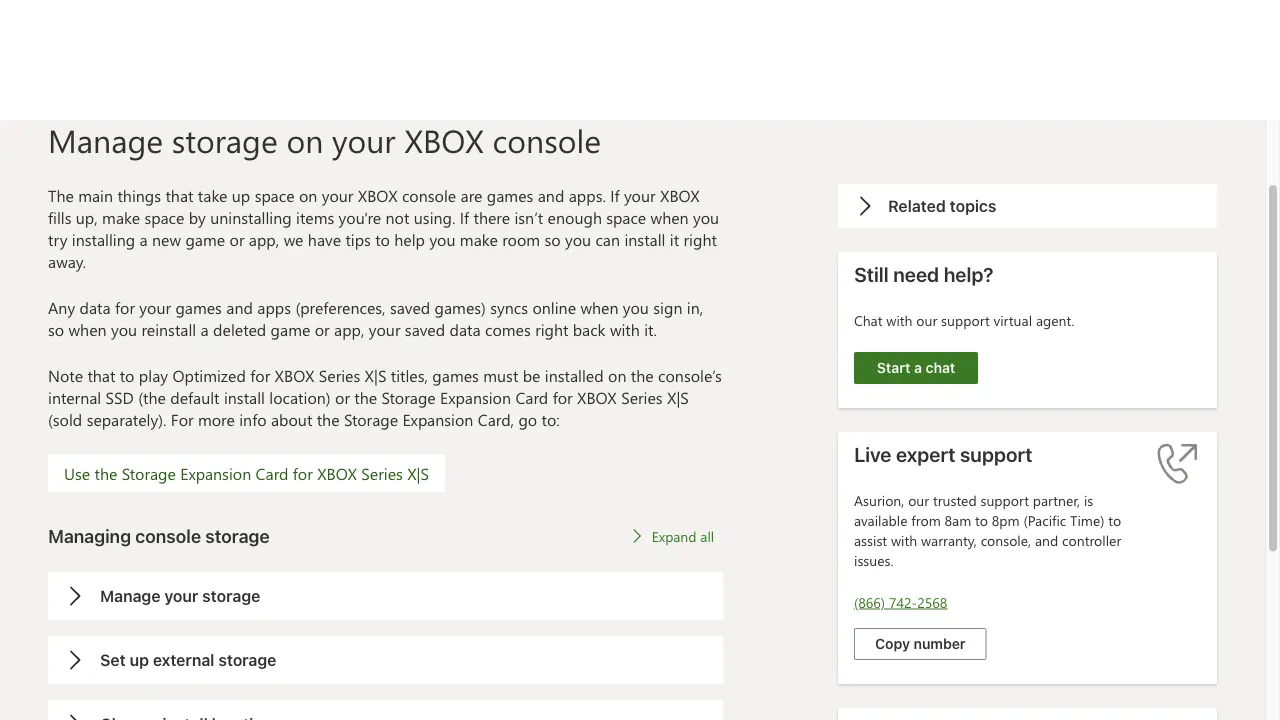
- Install location rule: Xbox Support states that games marked Optimized for Xbox Series X|S must be installed on the internal SSD or an official Storage Expansion Card to play; external USB 3.0/3.1 hard drives (128 GB or larger) can store games only for cold transfer back to the internal SSD.
Physical boxes vs. digital download and patch 1.002.000
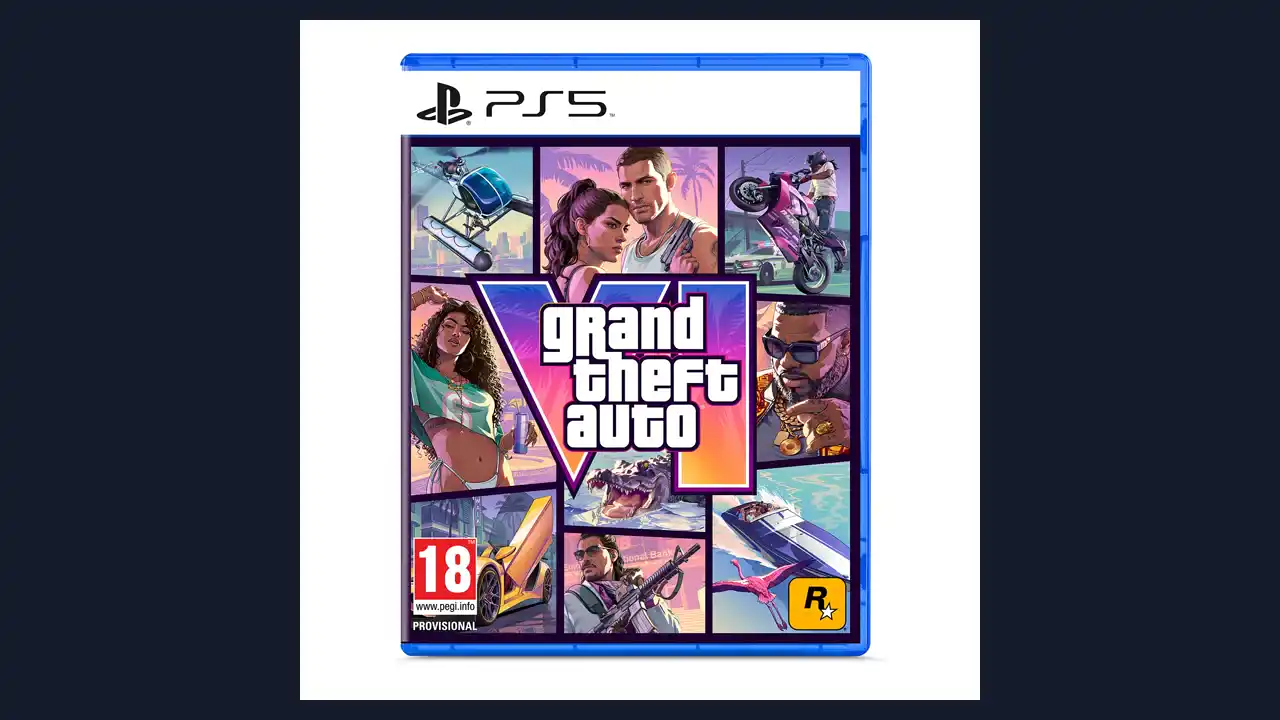
Buying a retail box does not shrink the GTA 6 download size. Rockstar Support's Platforms, Editions, and Versions page states plainly that "A disc will not be included in the box" and that physical boxes contain a single digital download code.
| Topic | Official / Verified Status | Source & Details |
|---|---|---|
| Physical box format | Code-in-a-Box (no disc) | Rockstar Support confirms a disc is not included in the box; retail cases hold a single digital download code. |
| Download vs. install split | Not split separately | Primary Rockstar, PlayStation, and Xbox pages do not publish separate numbers for compressed download bytes versus unpacked disk usage, giving only the up-to-212 GB (or 212 GB minimum on PS5) guidance. |
| First update 1.002.000 | ~1.07 GB (PS5) / ~2.18 GB (Xbox) | News report, not an official Rockstar figure: KeenGamer reported on November 13, 2026 that patch 1.002.000 rolled out ahead of launch and is marked mandatory on PS5 before November 19, while noting Rockstar has not confirmed that designation or published official patch notes. |
How do you enable automatic pre-load and updates?
Pre-loading began on November 10, 2026 (midnight local time on PS5, and 12:00 AM GMT globally on Xbox Series X|S). Rockstar's Pre-Load FAQ and PlayStation Support list these console settings:
Turn on automatic updates and Auto-Install in Rest Mode so pre-loads and pre-launch updates install automatically.
Enable Stay Connected to the Internet, then leave your PS5 powered on or in Rest Mode.
Turn on automatic game updates in your power/system settings and keep your console powered on or in Sleep mode.
How can you free up 212 GB before launch?
-
On PS5 (PlayStation Support)
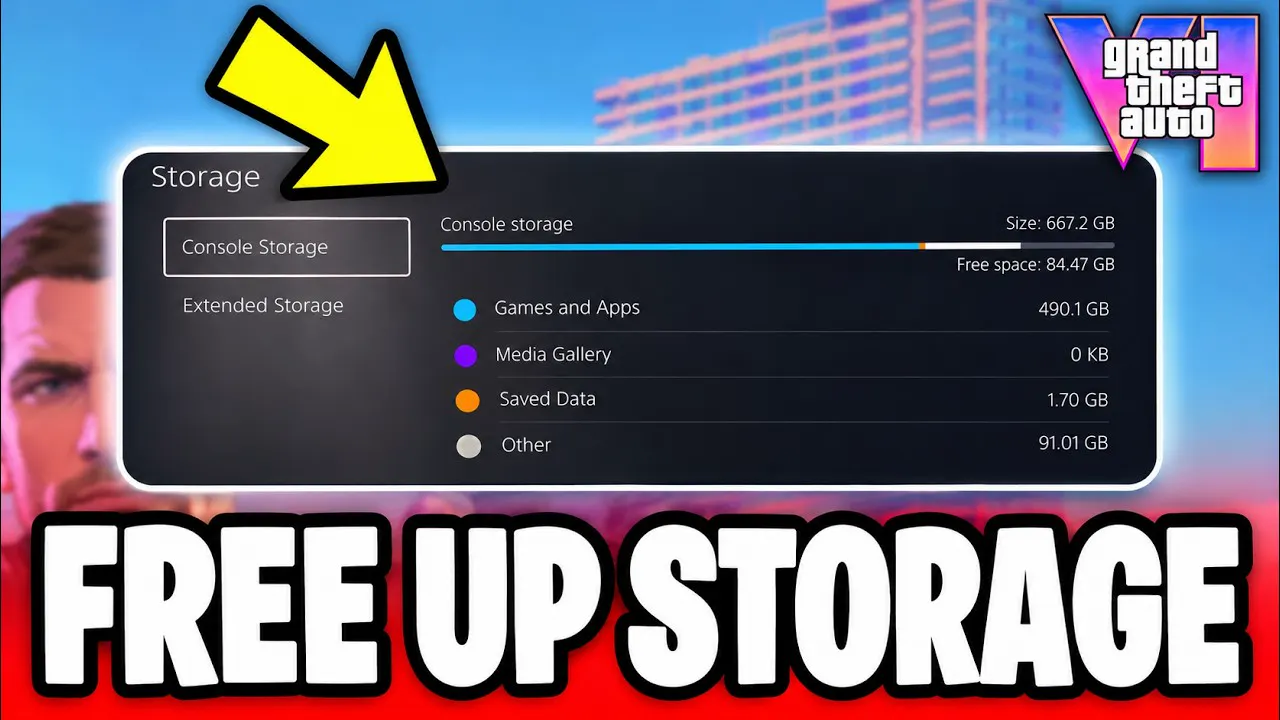
Check space at Settings > Storage. Remove unused titles at Settings > Storage > Console Storage > Games and Apps (deleted digital purchases stay in your library for re-download), or move PS5 games to USB extended storage or an M.2 SSD. Note that PS5 games cannot be played directly from USB extended storage and must be moved back to console or M.2 SSD storage to run.
-
On Xbox Series X|S (Xbox Support)
Open Profile & system > Settings > System > Storage devices to check drive space, or go to My games & apps > See all > Manage > Free up space to use smart recommendations and uninstall unused games. Removing a game keeps your license and cloud saves intact.
What is not known yet as of November 19, 2026?
PC file size
No PC version or PC storage requirement has been announced.
Future patch sizes
Official patch sizes and notes after pre-load and launch have not been published by Rockstar Support.
Exact compressed vs. unpacked split
Official support articles provide only the 212 GB clearance figure.




Quick answers
What is the official GTA 6 download size on PS5 and Xbox Series X|S?
Rockstar Games Support states that Grand Theft Auto VI requires up to 212 GB of available space depending on your device, and PlayStation Blog advises clearing a minimum of 212 GB on PS5.
Does the physical GTA 6 box include a disc to reduce download size?
No. Rockstar Support confirms that a disc is not included in the physical box; retail boxes contain a digital download code and require downloading the full game.
How big is the GTA 6 first update 1.002.000?
Rockstar has not published official patch notes or sizes. KeenGamer reported on November 13, 2026 that pre-launch update 1.002.000 is about 1.07 GB on PS5 and 2.18 GB on Xbox Series X|S.
Can I play GTA 6 from an external USB hard drive on PS5 or Xbox?
No. PlayStation Support requires PS5 games to sit on internal console storage or an M.2 SSD to play, and Xbox Support requires Optimized for Xbox Series X|S games to sit on the internal SSD or a Storage Expansion Card.
Is a PC download size announced for GTA 6?
No. As of November 19, 2026, no PC version or PC storage requirement has been announced.

GTA 6 Timer & Unlock Times
Live release countdown by time zone for the November 19, 2026 midnight local launch on PS5, Xbox Series X|S, and Xbox Cloud Gaming.

GTA 6 PS5 vs Xbox Series X|S
Side-by-side console comparison covering PS5, PS5 Pro, Xbox Series X, Series S, frame rate, download rules, unlock timing, and cloud play.

GTA 6 on Xbox One via Cloud Gaming
How to play GTA 6 on Xbox One with Xbox Cloud Gaming, the Game Pass hour limits, the setup it needs and why PS4 is not supported.

GTA 6 Map and Regions
Map size per Rockstar and outlets, the six Leonida regions, and the official free printable map.
Sources
- Rockstar Support Grand Theft Auto VI installation requirements States up to 212 GB available space depending on device.
- Rockstar Support Grand Theft Auto VI Pre-Load FAQ Rest Mode and Sleep mode settings plus up-to-212 GB rule.
- PlayStation Blog Pre-download begins November 10 Advises clearing at least 212 GB on PS5.
- Xbox Support Manage storage on Xbox Internal SSD / Expansion Card play rules and Free up space steps.
- KeenGamer Update 1.002.000 news report (Nov 13, 2026) Reported ~1.07 GB PS5 and ~2.18 GB Xbox patch; not confirmed by Rockstar.
Facts on this page come from Rockstar Games Customer Support (updated November 3 and November 4, 2026), PlayStation Blog (November 3, 2026), PlayStation Support, Xbox Support, Xbox.com, and KeenGamer (November 13, 2026), checked through November 19, 2026.