
How to Redeem a GTA 6 Code on PS5 and Xbox
Learn how to redeem a GTA 6 code immediately on PlayStation 5 or Xbox Series X|S to pre-load before launch, though playing stays locked until midnight local time on November 19, 2026. As of November 19, 2026, this unofficial guide compiles official PlayStation, Xbox, and Rockstar redemption steps, error tables, and region restrictions.
On this pageJump to section
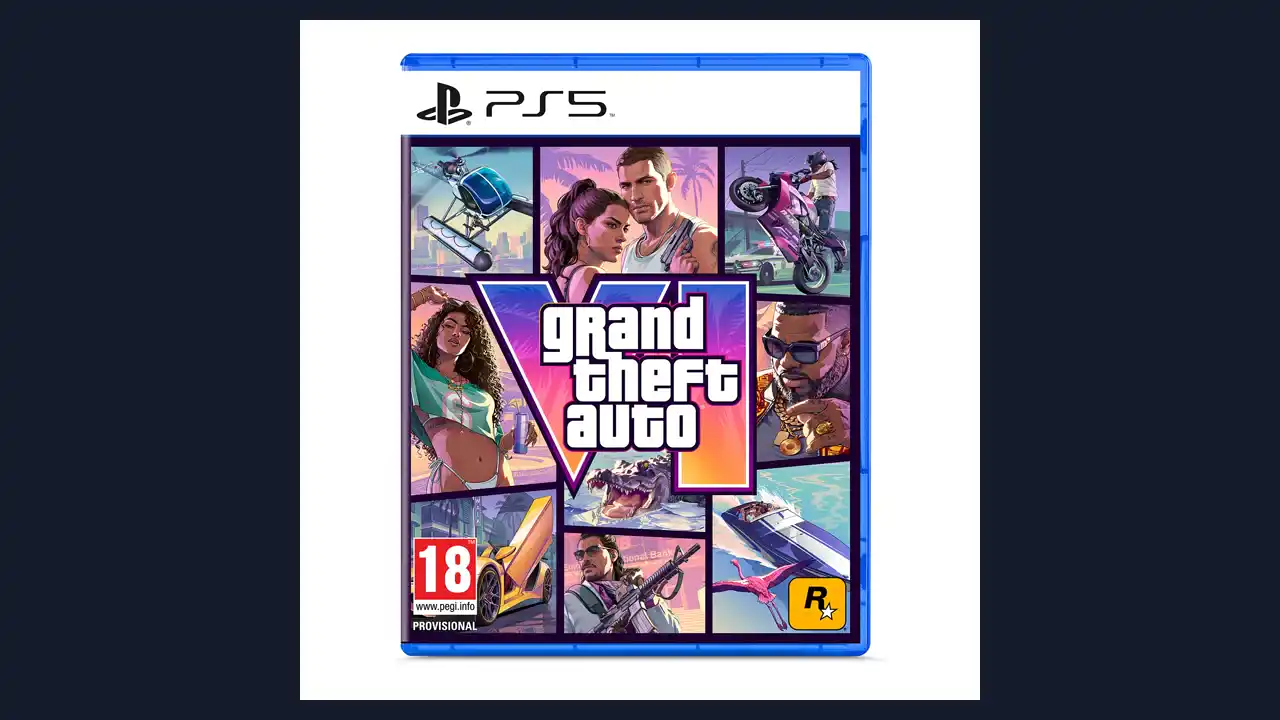
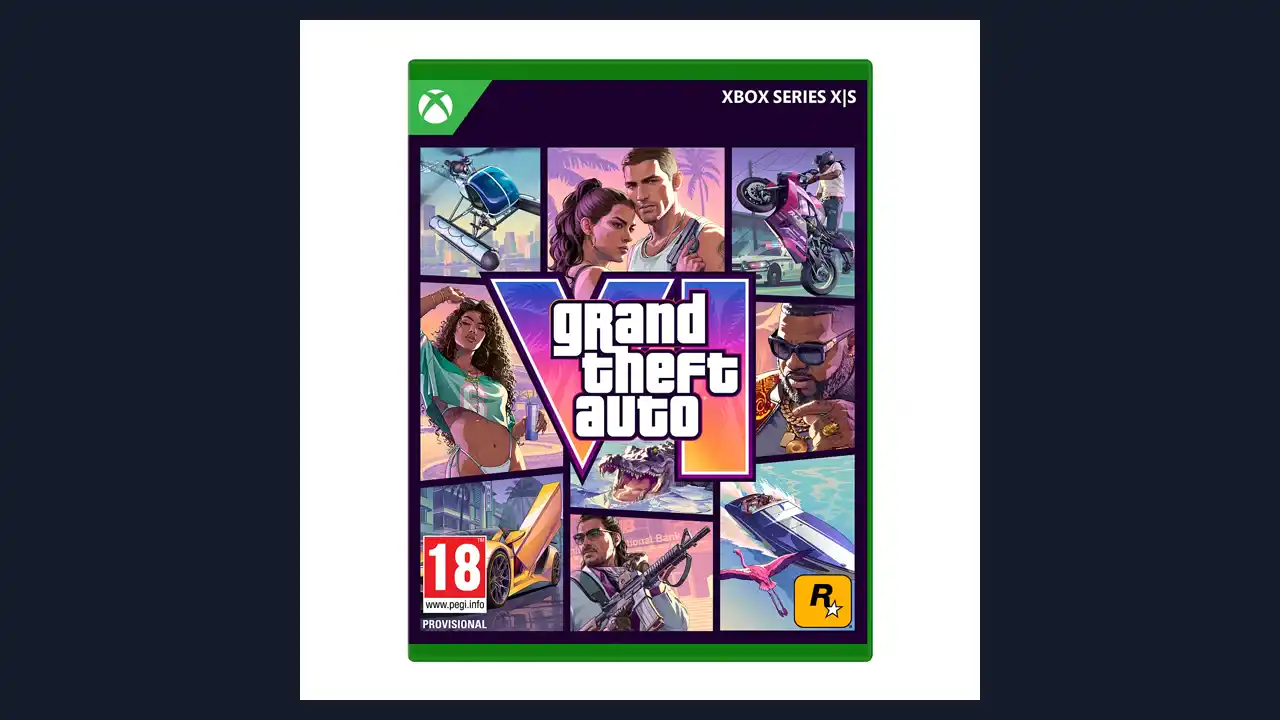
How to redeem a GTA 6 code on PS5 and Xbox
Knowing how to redeem a GTA 6 code safely ensures your game adds to the right account before your local launch hour. As of November 19, 2026, Grand Theft Auto VI is rolling out at midnight local time region by region, after New Zealand crossed midnight first at 11:00 UTC on November 18 while later regions wait for their own local midnight.
Whether your key comes from a physical Code-in-a-Box case (remember Rockstar Support states "A disc will not be included in the box"), a digital retailer, or a giveaway, you can redeem and pre-load right away, though play stays locked until November 19 at midnight local time in your store's region. This site is an independent fan guide: it is not affiliated with, endorsed by, or sponsored by Rockstar Games, Take-Two Interactive, Sony, or Microsoft, uses no official logos, and sells no codes.
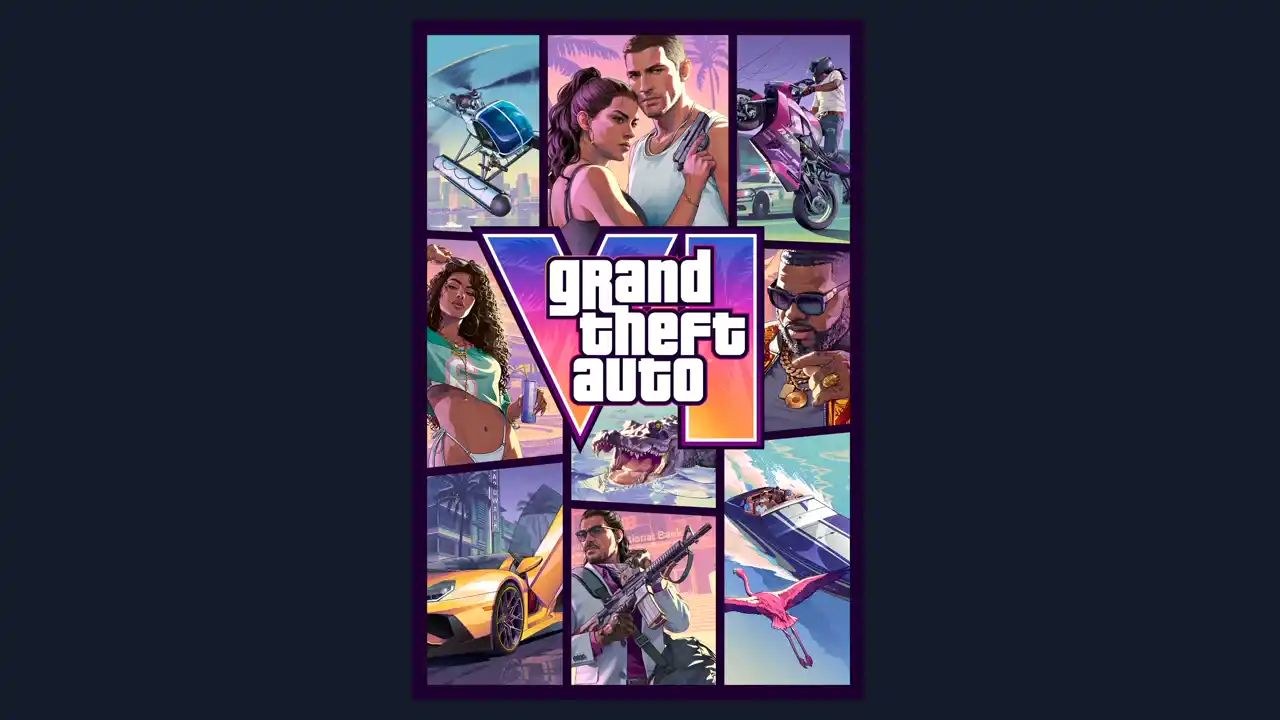
How to redeem a GTA 6 code on PlayStation 5
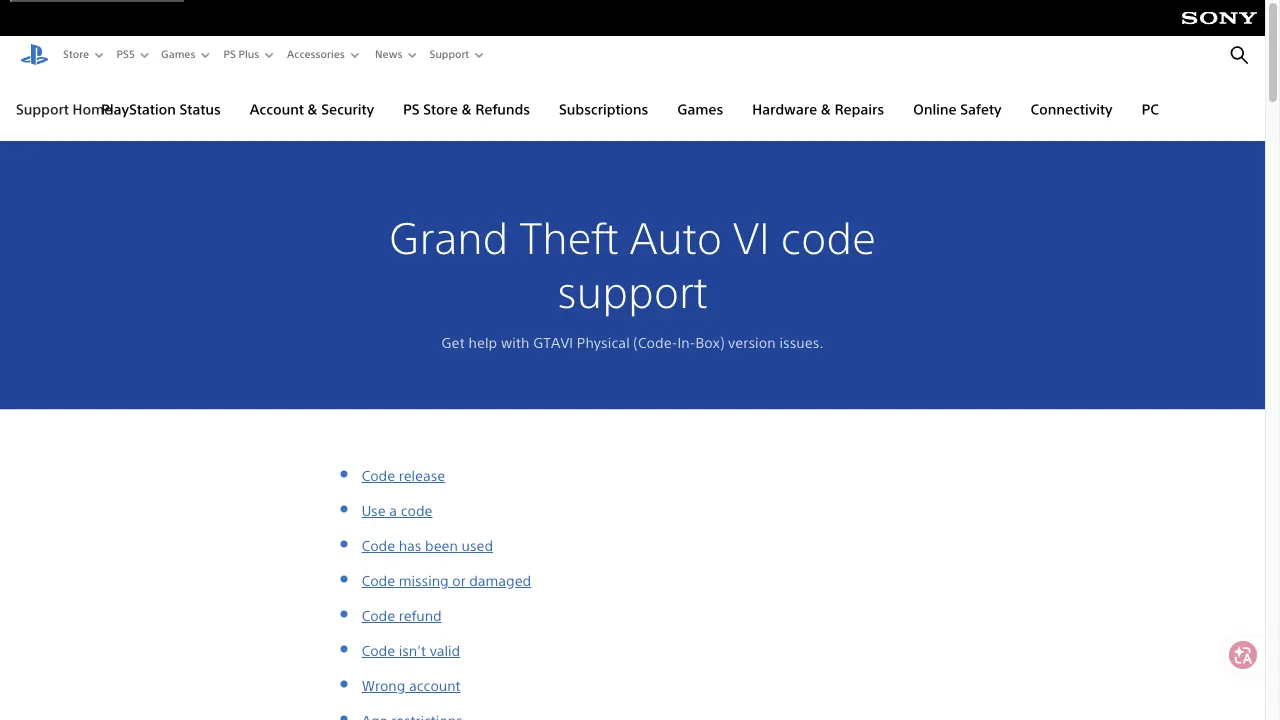
According to PlayStation Support's official Grand Theft Auto VI code guide, follow these steps on the PlayStation website:
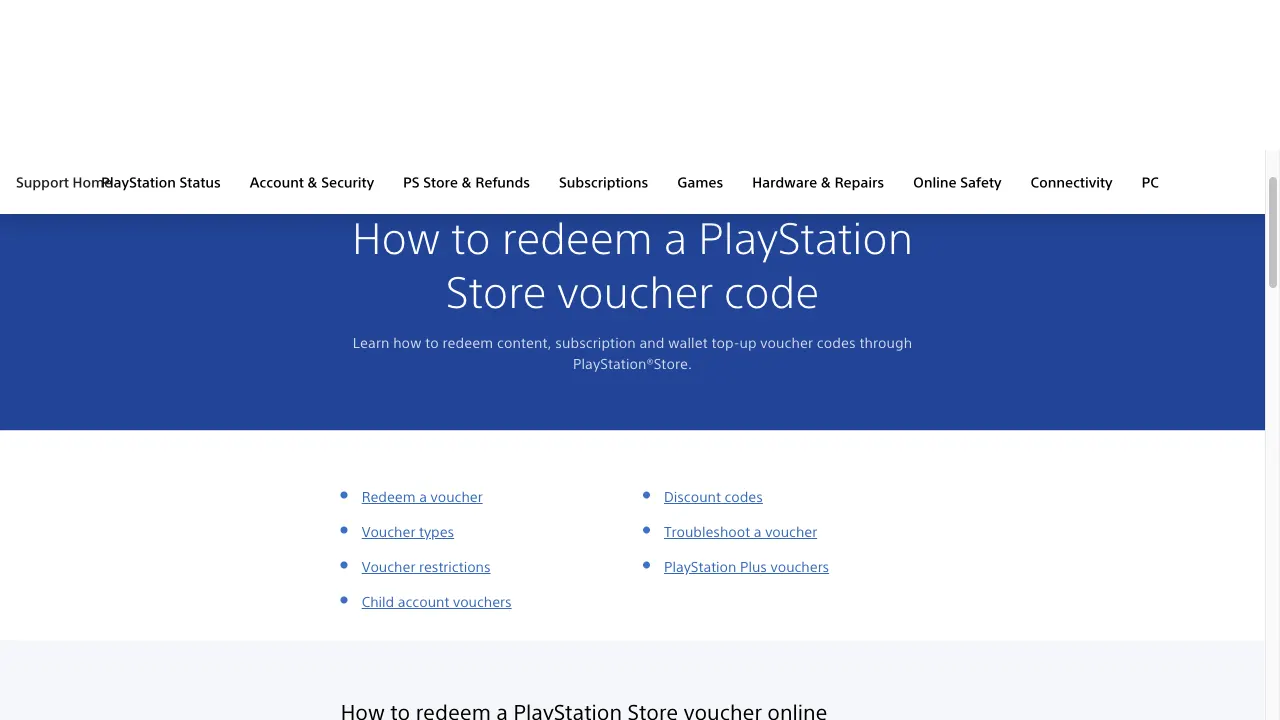
Open the official PlayStation website, sign in to the account that will own the game, and select your avatar at the top of the page.
Choose Redeem Code from the avatar drop-down menu.
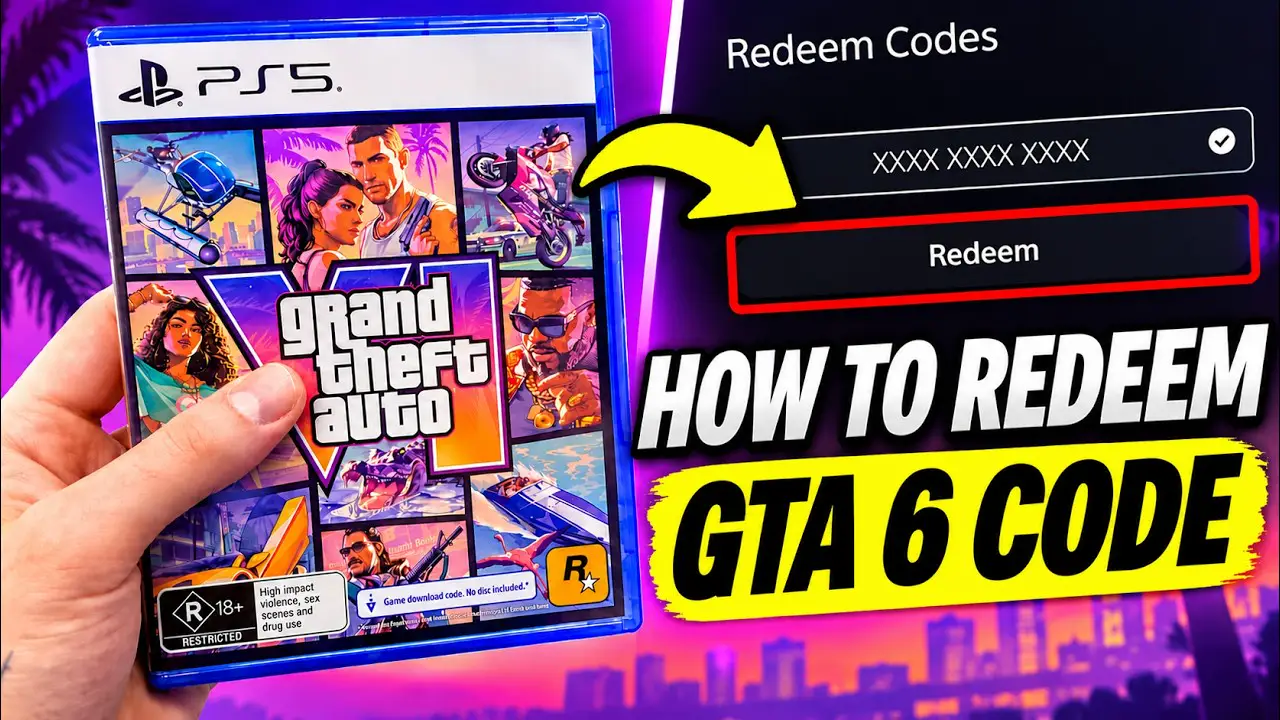
Type your code and confirm redemption so the game is added to your PlayStation library for pre-loading.
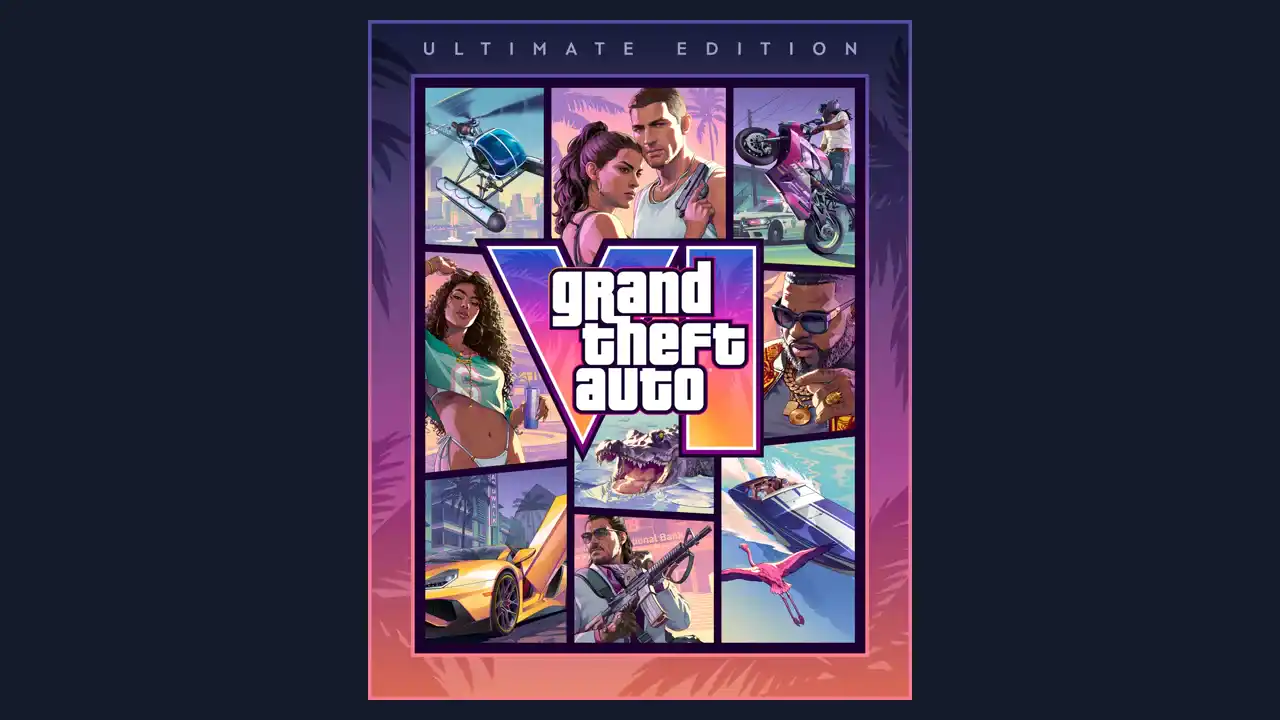
To go from a Standard Edition code to the Ultimate Edition, scan the QR code inside the physical box or visit the Ultimate Edition Upgrade page on PlayStation Store after redeeming your Standard Edition code (Rockstar Support notes there is no physical Ultimate Edition box).
PlayStation 5 code error fixes
"Code has already been used"Order / Account
Cause: Order verification delay or another PlayStation account already claimed the voucher.
Fix: 1) Check Order History on the PlayStation website to confirm your pre-order went through. 2) Confirm you did not redeem it on another account; if it still fails, contact the retailer.
"The code is incorrect or is no longer valid"Region / Timing
Cause: Region timing or account country mismatch.
Fix: 1) Check that GTAVI codes are live in your country or region. 2) Review PlayStation's GTAVI compatibility guide to confirm the voucher matches your account region.
Code damaged or missingPhysical Box
Cause: Printing or packaging defect inside a physical Code-in-a-Box case.
Fix: 1) Keep your proof of purchase and box insert. 2) Contact the retailer you purchased the physical box from for a replacement.
Entered on the wrong accountSharing
Cause: PlayStation Support notes funds and content cannot move between accounts.
Fix: 1) Sign in on the PS5 with the account that holds the game. 2) Enable Console Sharing and Offline Play (Settings > Users and Accounts > Other > Console Sharing and Offline Play > Enable).
"You can't use this voucher due to age restrictions on your account"Child Account
Cause: Child account age rating block prevents voucher entry.
Fix: 1) Have the family manager set Age Filtering for Online Content to Don't restrict under Family Management. 2) Redeem the code on the child account, then set it back to Restrict.
How to redeem a GTA 6 code on Xbox Series X|S
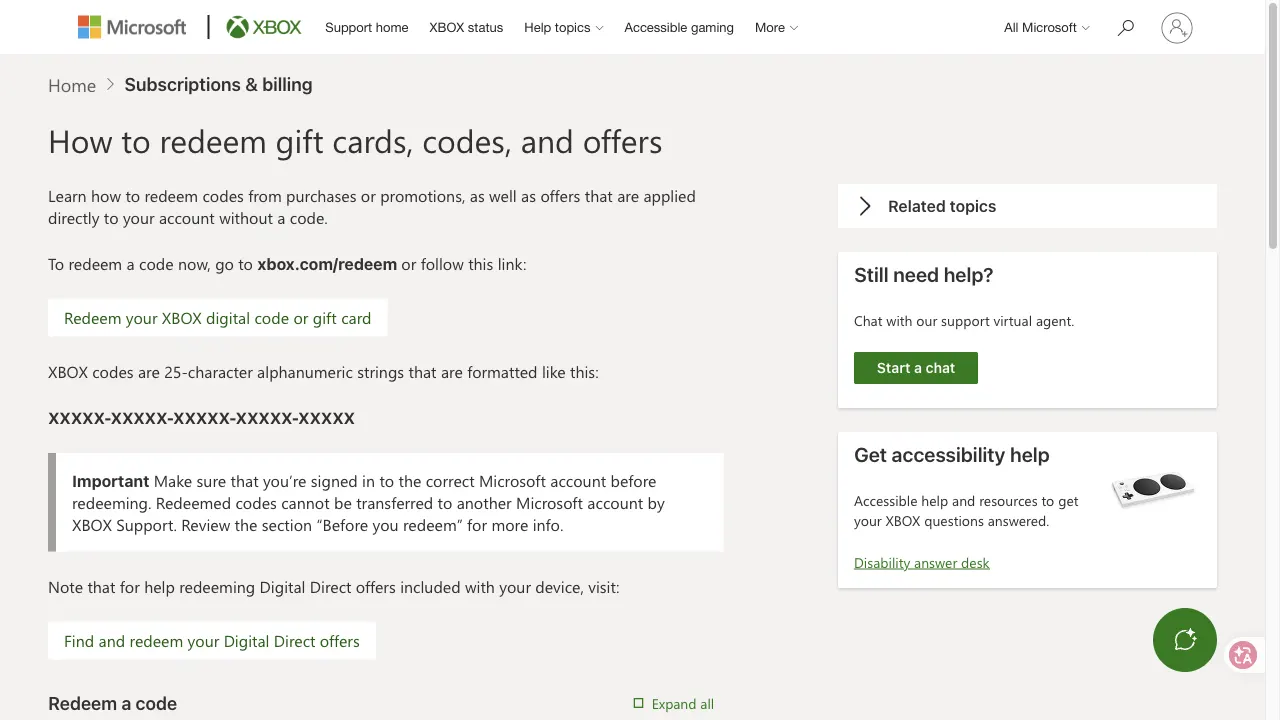
Microsoft's official Xbox Support guide explains that Xbox digital codes are 25-character alphanumeric strings formatted as XXXXX-XXXXX-XXXXX-XXXXX-XXXXX, and redeemed codes cannot be transferred to another Microsoft account. When redeeming for the first time, Xbox may ask you to add a billing address and payment option to validate Store access without charging you.
25-character code format
XXXXX-XXXXX-XXXXX-XXXXX-XXXXX · Xbox codes never use the characters A, E, I, O, U, L, S, 0, 1, or 5.
Xbox Support warns that redeemed codes cannot be moved to another Microsoft account once claimed.
Press the Xbox button on your controller to open the guide, then select Store.
Press the View button on your controller to open the Store side menu and select Redeem.
Type the 25-character key (without A, E, I, O, U, L, S, 0, 1, or 5) and select Next to confirm.
After redeeming online, check My games & apps > Manage > Queue on your console for your download. (Note: Xbox Support says code-free account "offers" under Offers & credits cannot be redeemed through the Xbox app and must be claimed on console or xbox.com/play/user.)
Xbox code errors and fixes
Invalid or incorrect codeFormat Check
Cause: Typo or character confusion when reading the printed or digital key.
Fix: 1) Re-check every character carefully. 2) Replace any excluded characters (Xbox codes never use A, E, I, O, U, L, S, 0, 1, or 5).
Different region errorRegion Match
Cause: Microsoft account region does not match your physical location or Store setting.
Fix: 1) Verify your Microsoft account region matches your country. 2) On console, check Profile & system > Settings > System > Language & location.
Inactive or expired cardRetail POS
Cause: Retail cards and boxes must be activated at the store register at checkout.
Fix: 1) Wait up to 24 hours after purchase for point-of-sale activation to clear. 2) If it still fails after 24 hours, bring your receipt back to the retailer.
Already redeemed or suspended accountOrder / Status
Cause: Code claimed on another family account or active Xbox enforcement suspension.
Fix: 1) Check Microsoft Order history to confirm it is not on another family account. 2) Wait until any Xbox enforcement suspension ends before redeeming.
Redeem on the web or in the Xbox apps
If you are away from your console, you can claim your key in a browser or official app and queue the download for later.
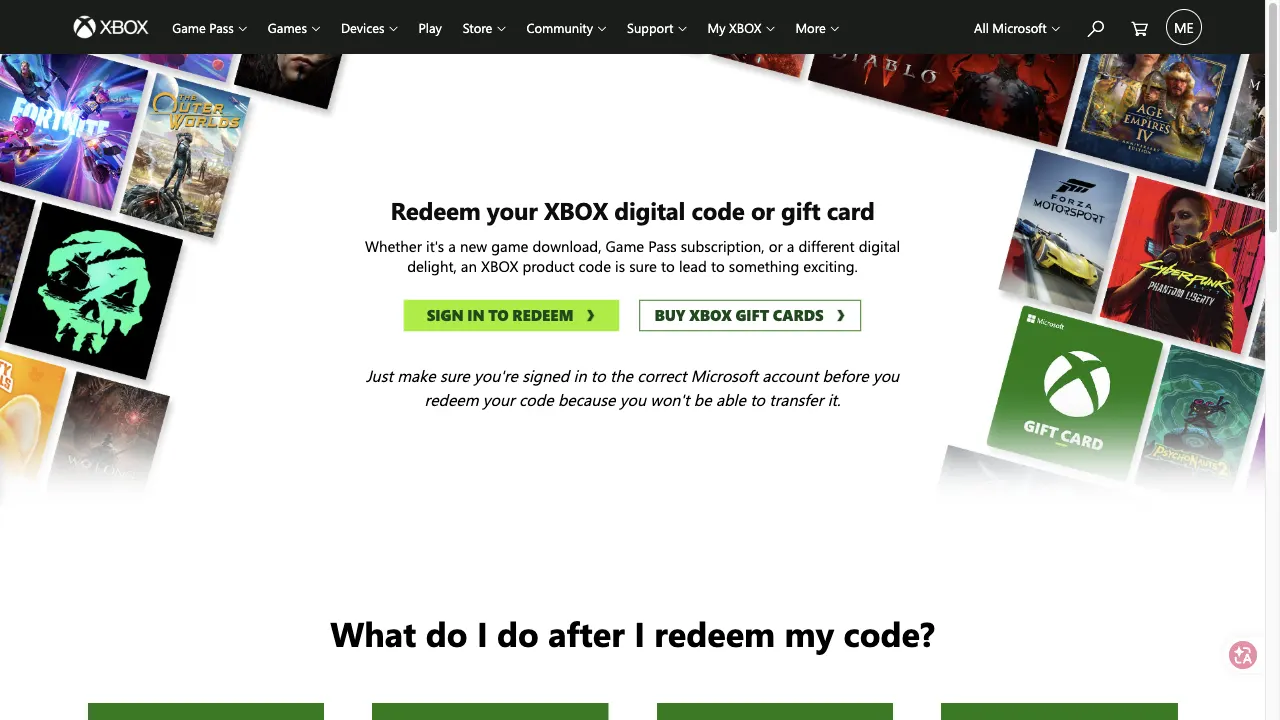
Go to xbox.com/redeem (which routes to Microsoft's official redeem.microsoft.com portal), sign in to your Microsoft account, and enter your 25-character code.
Open the Xbox app from Start, select your gamerpic, open Settings, select Redeem under Redeem a code, enter the 25-character key, and select Next.
Select your profile picture, tap the gear icon for Settings, select Redeem code, enter the 25-character code, and select Next.
Sign in on the PlayStation website, click your avatar at the top of the page, select Redeem Code from the drop-down menu, and confirm your voucher.
Code in box vs digital store vs giveaway
Compare what is inside each purchase or drop route using verified rules from Rockstar Support, PlayStation, Xbox, Kick, and Twitch.
| Feature | Retail box | Digital store | Giveaway |
|---|---|---|---|
| Disc included | No (Code-in-a-Box only) | No (account entitlement) | No (digital voucher) |
| Where the code comes from | Printed insert inside retail case | Purchased directly in Store or digital retailer | Sent by Kick Drops & Rewards or Twitch drop |
| Pre-load timing | Immediate once box code is entered | Immediate once pre-order is live | Once giveaway issues key (Kick from Nov 19) |
| Play unlock | Nov 19, 2026 midnight local time | Nov 19, 2026 midnight local time | Nov 19, 2026 midnight local time |
| Region rules | PS5: 10 strict groups; Xbox: not locked per Rockstar | Must match PlayStation/Microsoft Store region | Subject to giveaway host and console rules |
| Ultimate Edition | Standard box only; upgrade digitally after redeem | Sold directly as digital Ultimate Edition | Kick cites Ultimate Edition pool |
What region limits apply to retail and giveaway GTA 6 codes?
As of November 19, 2026, Rockstar Support confirms region rules differ sharply by console:
PlayStation 5 codes are region-locked
Rockstar Support divides PS5 codes into 10 strict account regions (Brazil, LATAM, North America, Oceania, South Korea, Japan, United Kingdom, Saudi Arabia & UAE, Rest of Asia, and Rest of EMEA and Asia). Your PlayStation account country must match the code's region, and codes in Japan expire 170 days after the November 19, 2026 launch date. For example, French retail boxes covered in our GTA 6 Leclerc guide belong to the Rest of EMEA and Asia group.
Xbox codes
Rockstar Support states that "Xbox: Codes purchased are not region-locked," though Microsoft's general digital-code support page warns that some digital codes can still be tied to a country or region and subject to account rules.
Pre-loading, retail boxes, and giveaway codes
Whether you hold a retail box or a digital store key, activating your code lets you pre-load immediately, while launch play unlocks at midnight local time on November 19, 2026. Track your region on our GTA 6 timer.
If you are entering giveaways instead of buying a key, Kick delivers codes on Drops and Rewards on or after November 19 and Twitch daily drops run November 19 to November 30: GTA 6 Kick Sunset Reward · GTA 6 Twitch Drops · all free code options.
Official Pre-Load Now trailer
Quick answers
Where do I redeem a GTA 6 code on PS5 or Xbox?
On PS5, sign in on the PlayStation website, click your avatar, and select Redeem Code. On Xbox, redeem your 25-character code at xbox.com/redeem (redeem.microsoft.com), in the console Store menu, or in the Xbox Windows and mobile apps.
Can I pre-load GTA 6 after redeeming a Code-in-a-Box key?
Yes. Both PlayStation Support and Rockstar Support confirm that physical Code-in-a-Box buyers can enter their code as soon as they receive the box to pre-load, though play unlocks at midnight local time on November 19, 2026.
Are GTA 6 codes region-locked on PS5 and Xbox?
Rockstar Support confirms PS5 codes are locked to 10 regional account groups (with Japan codes expiring 170 days after November 19, 2026), while stating purchased Xbox codes are not region-locked, though Xbox Support notes some digital codes still require matching account regions.
What characters are never used in Xbox GTA 6 codes?
Xbox Support states that 25-character Xbox digital codes never include the letters A, E, I, O, U, L, S or the numbers 0, 1, and 5.
What if my GTA 6 PS5 code says it has already been used?
PlayStation Support advises checking Order History on the PlayStation website, confirming you did not redeem it on another account, and contacting the retailer if the issue persists.

GTA 6 Cheat Codes Status
Honest status tracker showing zero confirmed GTA 6 cheat codes, why pre-launch tables recycle GTA V inputs, and our testing rule.
GTA 6 Kick Sunset Reward
How Kick's Sunset Reward Case sweepstakes works through December 7, 2026, including the 180-minute daily watch rule and 10,000 Ultimate Edition codes.

GTA 6 Twitch Drops
Twitch's November 19 to 30 daily game code drops, GTA chat badges, HEIST Hype Trains, and which rules Twitch has not disclosed.
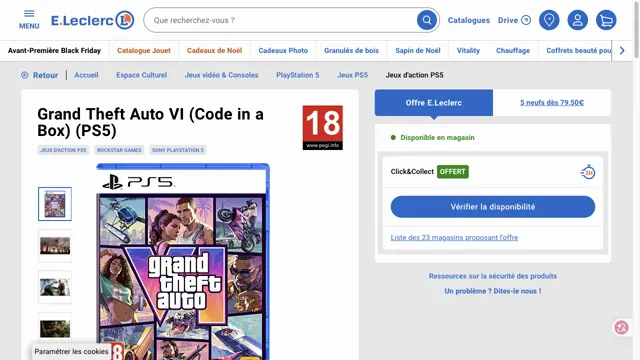
GTA 6 at E.Leclerc
E.Leclerc's 60 EUR PS5 and Xbox Code in a Box listings, sold-out online pre-orders, store availability dates, and PSN country limits.
Sources
- PlayStation Support Grand Theft Auto VI Code Guide Official PS5 redemption steps, Code-in-a-Box rules, and error fixes.
- Xbox Support How to redeem gift cards and codes 25-character format, web/console/app routes, and queue instructions.
- Xbox Support Troubleshoot gift card and code issues Excluded characters (A, E, I, O, U, L, S, 0, 1, 5), POS activation, and region fixes.
- Rockstar Support Grand Theft Auto VI platform editions and versions No disc in box, 10 PS5 code regions, Japan 170-day expiry, Xbox region note.
Facts on this page come from PlayStation Support (GTAVI code and compatibility guides), Xbox Support (redeem prepaid codes and digital code troubleshooting), and Rockstar Games Customer Support (updated November 3 and November 4, 2026), all checked on November 19, 2026.